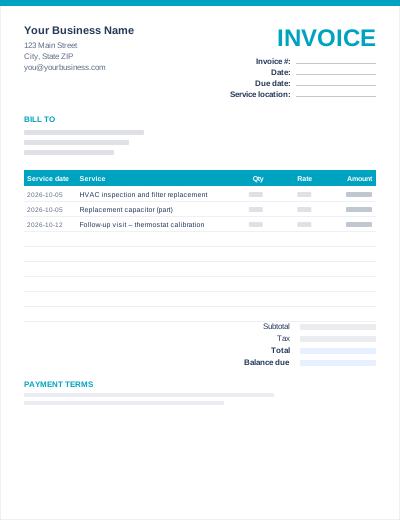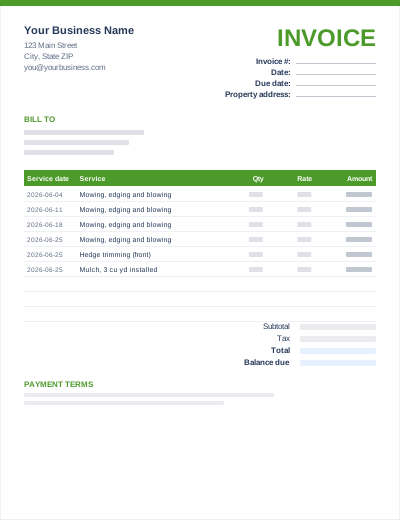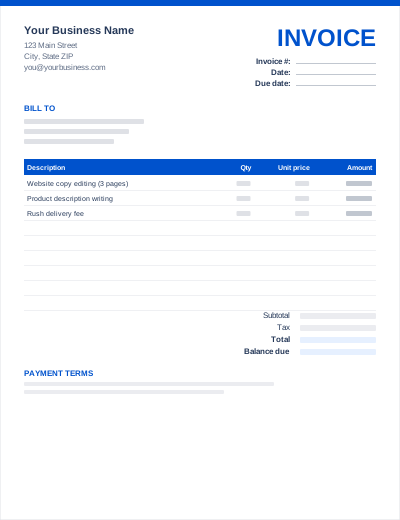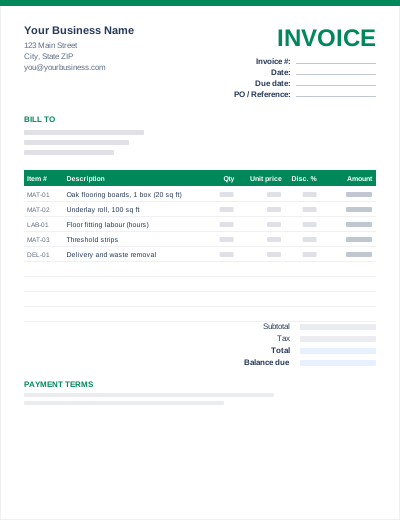
Itemized Invoice
WordExcelPDF
Construction and trade clients want to see labor and materials separately. This template has two line-item sections, each with its own subtotal, plus header fields for the job site address (which is often different from the billing address) and your contractor license number.
A "Less: deposit received" line handles the materials deposit most contractors take before starting. For subcontractors who need to turn an accepted quote into a deposit invoice, see how to turn a quote into an invoice.
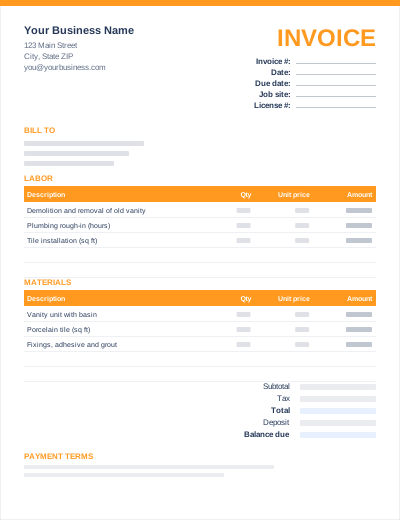
Sample entries show how to fill it in; replace them with your own. All three files share the same layout. The Excel version calculates line amounts and totals; the PDF is a blank, print-ready form.
Prefer not to download anything? Fill in the same fields in the free online invoice generator and save the result as a PDF.
On jobs where you buy materials up front, invoice a deposit when the quote is accepted. Some US states cap home-improvement deposits (California, for example, limits most to 10% or $1,000, whichever is less), so check your state's rules.
Invoice at defined stages (rough-in, inspection, completion) rather than at the end. Label each one "Progress invoice 2 of 4".
If the contract withholds retainage (often 5–10%), show the full amount earned, subtract the retainage, and invoice the retained amount separately at completion.
Yes. It is clearer for the client and, in many US states, labor and materials are taxed differently. Showing them separately makes the sales-tax calculation straightforward.
Many US states require licensed contractors to show their license number on contracts, bids and advertising, and it is good practice on invoices too. Check your state licensing board.
Issue a separate invoice for the deposit amount, referencing the accepted quote. On the final invoice, show the full job total and subtract the deposit, so the balance due is clear.