Freelance Invoice
WordExcelPDF
Website projects are normally billed in stages: a deposit to start, a payment when the design or staging site is approved, and the balance at launch. This template has a project/milestone field ("milestone 2 of 3") and a deposit line so each invoice shows where the project stands.
Pass-through costs such as domains, hosting, themes and plugins are listed separately from your fees.
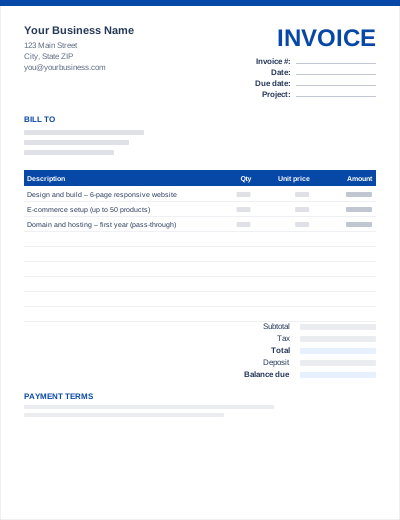
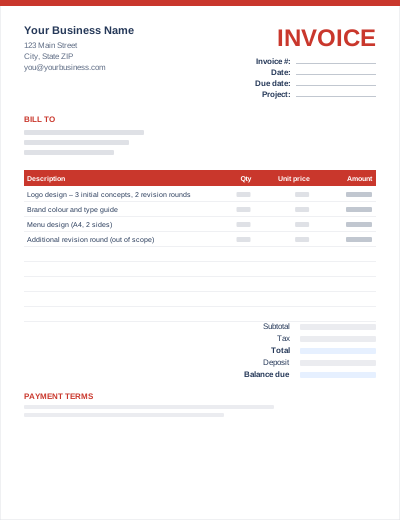
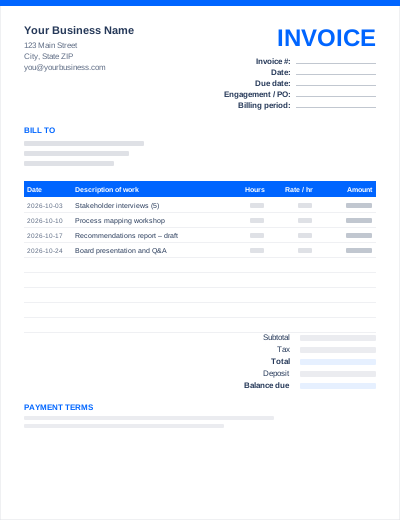
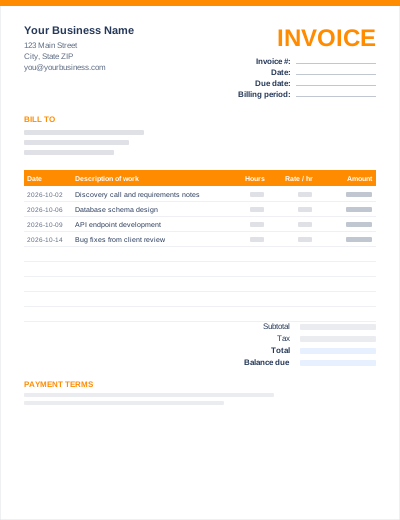
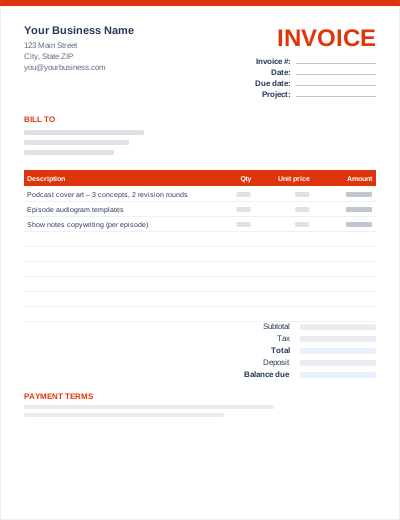
Sample entries show how to fill it in; replace them with your own. All three files share the same layout. The Excel version calculates line amounts and totals; the PDF is a blank, print-ready form.
Prefer not to download anything? Fill in the same fields in the free online invoice generator and save the result as a PDF.
"On approval of staging site" is a clear trigger; "halfway through" is not. See the worked 30/30/40 example in deposits and milestone invoicing.
Bill hosting and maintenance on their own recurring invoice so the project invoice can be closed.
State in your contract and invoice notes that site credentials or ownership transfer on payment of the final invoice.
Common structures are 50/50 (deposit and launch) or 30/30/40 (deposit, staging approval, launch). Larger builds use more milestones.
Only for the first year if it is part of the project. Otherwise invoice it separately each year, which keeps renewals clear.
Yes. Use one line for the maintenance plan with the period it covers, and add one-off changes as extra lines.