Hourly Invoice
WordExcelPDF
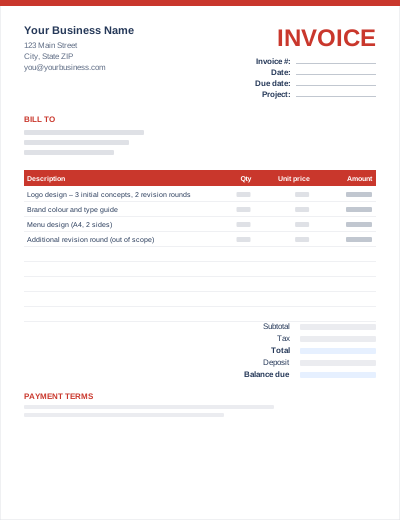
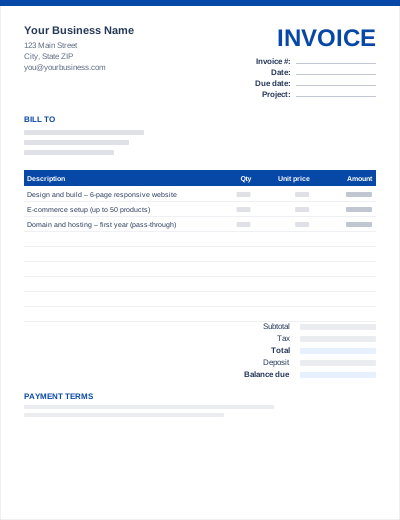
Freelancers usually bill per project, often with a deposit taken up front. This template has a project field in the header and a "Less: deposit received" line under the total, so your final invoice shows the full project price, what has already been paid and the balance still due.
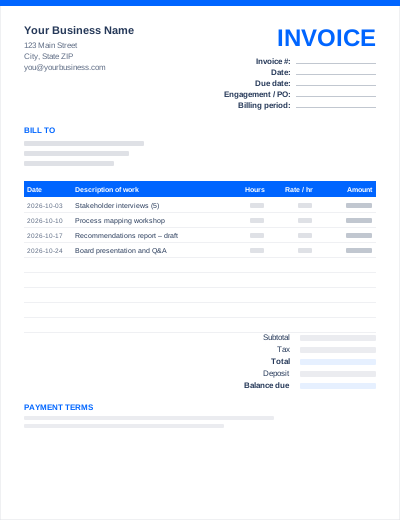
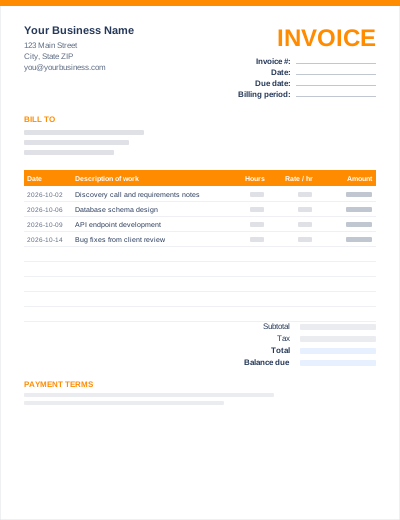
It suits writers, designers, developers, editors, translators, virtual assistants and other independent professionals billing per deliverable. If you bill by the hour, use the hourly invoice instead.
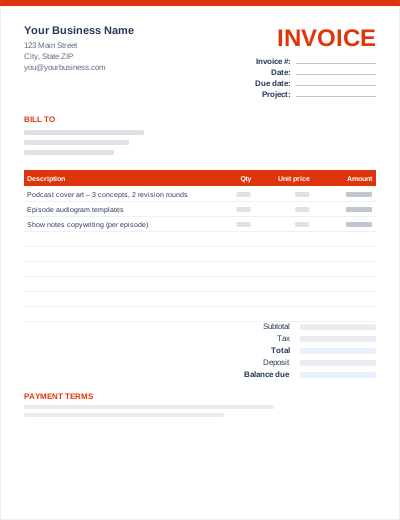
Sample entries show how to fill it in; replace them with your own. All three files share the same layout. The Excel version calculates line amounts and totals; the PDF is a blank, print-ready form.
Prefer not to download anything? Fill in the same fields in the free online invoice generator and save the result as a PDF.
"Cover art – 3 concepts, 2 revision rounds" heads off disputes about extra changes, which you can then bill as a separate line.
A 30–50% deposit before you start is standard for freelance projects. See deposits and milestone invoicing.
Freelancers usually pay their own income tax. Record each invoice number, date, amount and payment date in one spreadsheet so tax time is straightforward.
Put your name or business name and contact details at the top, then the client's details, a unique invoice number, the date and the due date. List each deliverable with its price, add tax if you are registered for it, subtract any deposit, and state how to pay. Our how to write an invoice guide covers each field.
It depends on where you and your client are and what you sell. In the US, many services are not subject to sales tax, but some states tax certain services. In the UK and EU you only charge VAT once you are registered. Check with your tax authority.
Due on receipt or Net 14 for individuals and small clients, Net 30 for larger companies that pay in monthly cycles. Whatever you choose, agree it before you start and print it on the invoice.