Freelance Invoice
WordExcelPDF
Photographers sell time, edited images and usage rights, and usually take a booking deposit. This template adds a shoot date and a usage-license field to the header and a "Less: deposit received" line under the total.
Spelling out the license on the invoice (for example "web and social, 2 years") avoids misunderstandings about where the client may use the images.
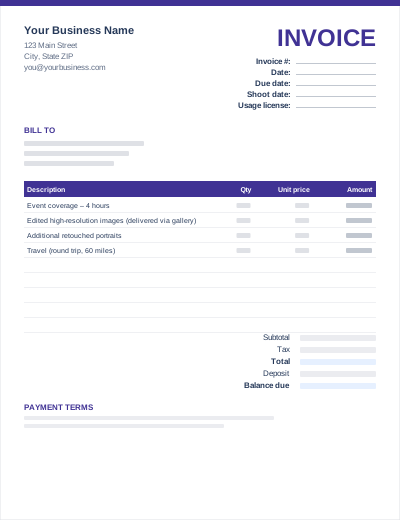
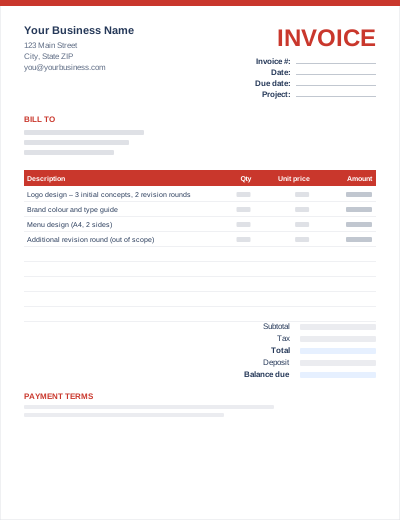
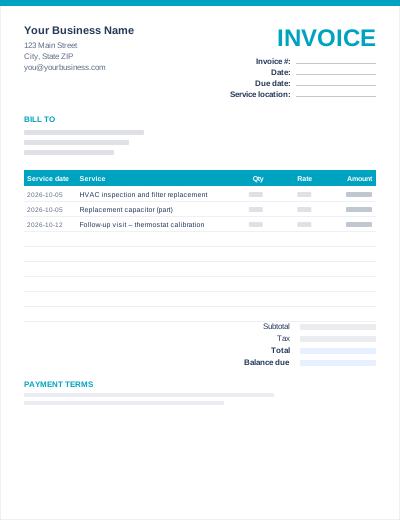
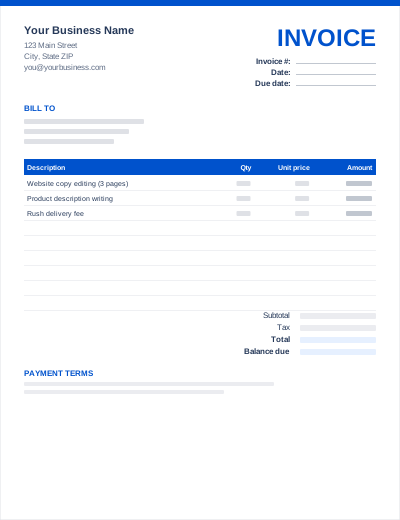
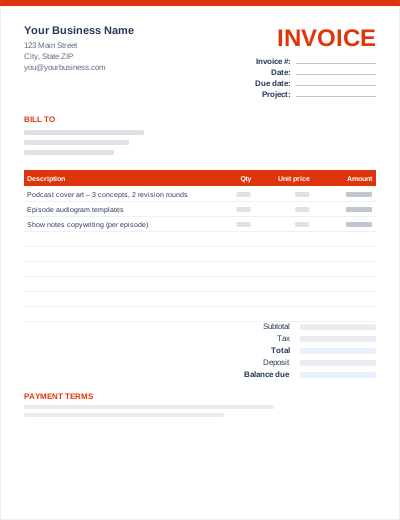
Sample entries show how to fill it in; replace them with your own. All three files share the same layout. The Excel version calculates line amounts and totals; the PDF is a blank, print-ready form.
Prefer not to download anything? Fill in the same fields in the free online invoice generator and save the result as a PDF.
A non-refundable booking deposit (commonly 25–50%) secures the date. Invoice it when the contract is signed and subtract it on the final invoice.
Listing "120 edited images – included" at zero shows the client the full value of the package.
State the media, duration and territory. Extra usage can then be quoted and invoiced separately.
Your details, the client's details, invoice number and dates, the shoot date, the session or package, extra images or products, travel, usage license, any deposit already paid, and the balance due with payment instructions.
In many US states, photography and prints are taxable, while some states exempt certain services. In VAT/GST countries photography is taxable once you are registered. Check your local rules.
Common practice is to invoice the balance before or with gallery delivery, and to release full-resolution files once it is paid.