Simple Invoice
WordExcelPDF
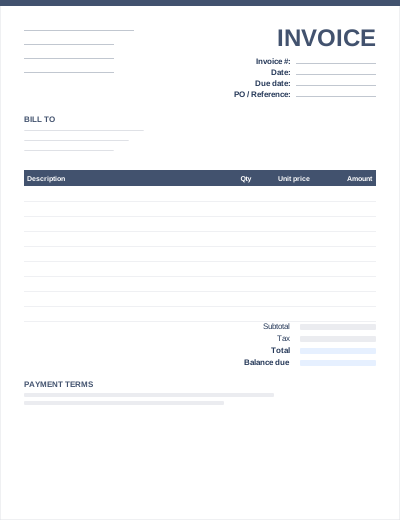
The basic invoice is the all-purpose layout: your details, your client's details, an invoice number and dates, a table of what you supplied, and the total due. If you are not sure which template to start with, start here.
It works for one-off jobs, product sales and simple service work. Nothing is pre-filled with industry wording, so you can describe whatever you are billing for in your own terms.
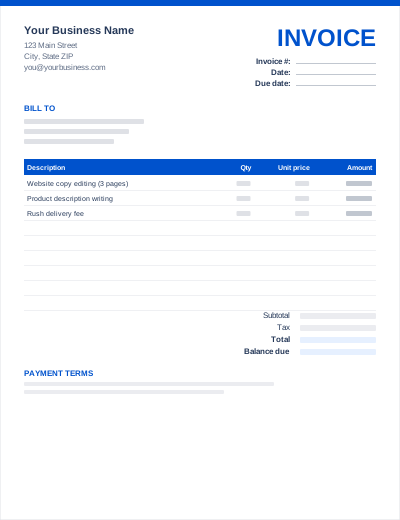
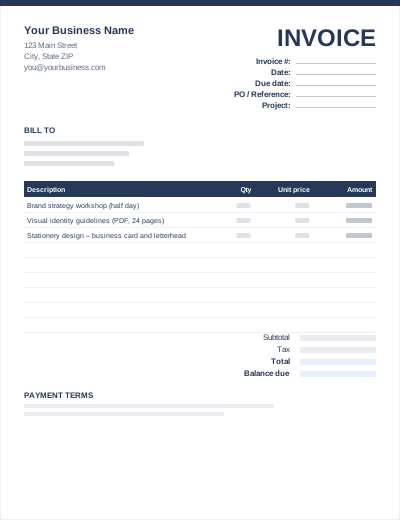
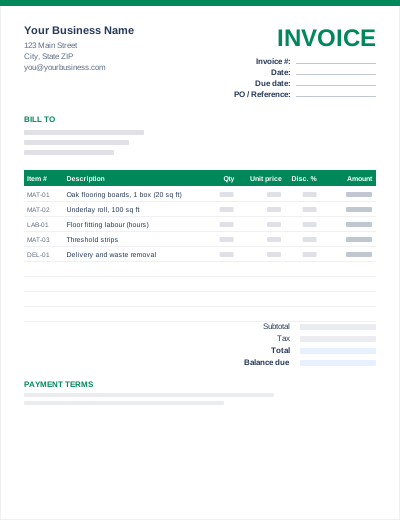
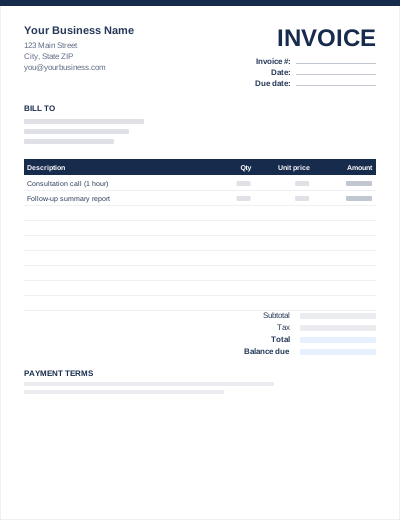
Sample entries show how to fill it in; replace them with your own. All three files share the same layout. The Excel version calculates line amounts and totals; the PDF is a blank, print-ready form.
Prefer not to download anything? Fill in the same fields in the free online invoice generator and save the result as a PDF.
"Website copy editing (3 pages)" is approved faster than "Services". If you supplied the work under a quote or purchase order, add its number to the notes.
In the Excel version, type your sales tax rate in the yellow tax-rate cell. Leave it at 0% if you do not charge tax on this sale.
Use one continuous sequence such as INV-1001, INV-1002. See the invoice numbering guide for formats that scale.
In most places an invoice does not need a special format to be valid. What matters is the content: who is billing whom, a unique number, the date, what was supplied, the amount and any tax. If you are registered for VAT or GST, your country may require extra details; use the tax invoice template in that case.
Yes. In Word, click the "Your Company Name" heading and insert a picture above it. In Excel, use Insert > Pictures and place the logo over rows 1 to 3.
Send a PDF. Edit the Word or Excel file, then use File > Save As (or Export) > PDF. A PDF looks the same on every device and cannot be edited by accident.