Professional Invoice
WordExcelPDF
A tax invoice is the invoice format that VAT and GST systems require from registered businesses. It shows the tax charged separately so that your business customer can reclaim it. The exact rules depend on the country, but most require the supplier's tax registration number, a unique sequential number, the date of supply, the tax rate applied and the tax amount.
This template has fields for your tax number and your customer's, a date-of-supply field, and a tax-rate column so each line can carry a different rate (for example standard-rated and zero-rated items on one invoice). The Excel version calculates the tax per line, the net subtotal, the total tax and the gross total.
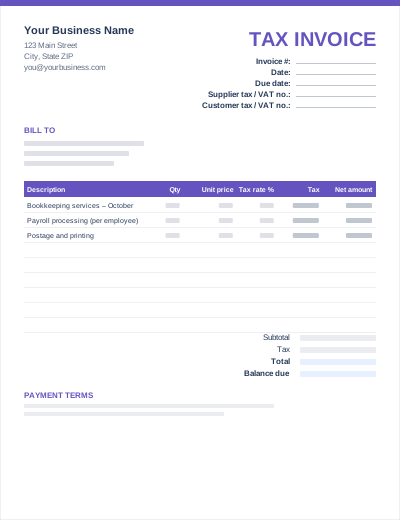
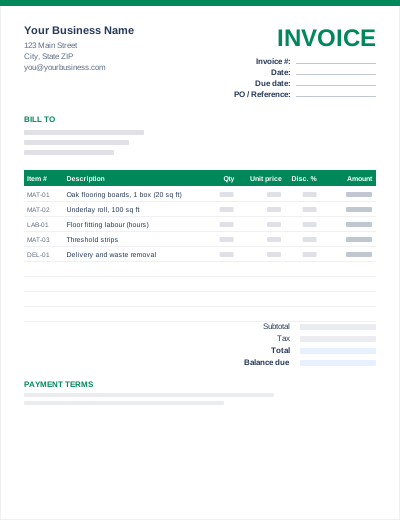
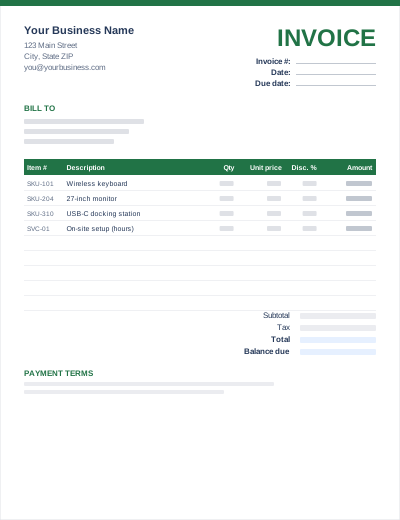
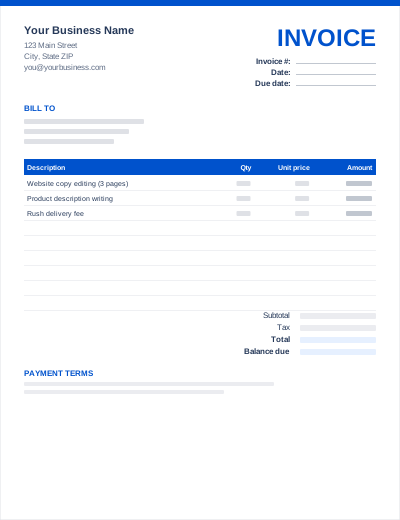
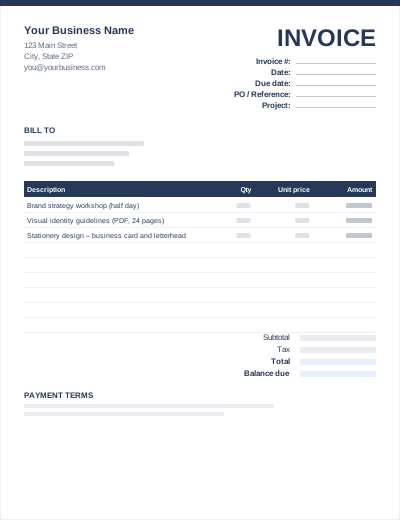
Sample entries show how to fill it in; replace them with your own. All three files share the same layout. The Excel version calculates line amounts and totals; the PDF is a blank, print-ready form.
Prefer not to download anything? Fill in the same fields in the free online invoice generator and save the result as a PDF.
UK: see HMRC's VAT invoice rules. Australia: the ATO's tax invoice requirements (the words "Tax invoice", your ABN, and the buyer's identity for sales of $1,000 or more). EU reverse-charge sales need the customer's VAT number and a reverse-charge note.
If lines carry different rates, the tax authority expects the tax to be identifiable per rate. Keep one line per rate or add a short rate summary under the totals.
The US has no VAT. If you collect state sales tax, the basic invoice with a sales tax line is enough; show the tax separately and keep resale or exemption certificates on file.
A tax invoice is an invoice that meets the legal requirements of a VAT or GST system, so the buyer can use it to claim back the tax. A plain invoice from a business that is not tax-registered should not show VAT or GST at all.
No. 20% is the UK standard rate, used here only as an example. EU standard rates range from 17% to 27%, Australian GST is 10%, New Zealand GST is 15% and Indian GST has several slabs. Enter the rate that applies to each line.
No. Only a registered business may charge VAT or GST and issue a tax invoice. If you are not registered, delete the tax columns and use a standard invoice.
It contains the fields most systems ask for, but requirements differ (for example India's GSTIN and HSN/SAC codes or the EU's reverse-charge wording). Check your tax authority's guidance or ask an accountant before relying on it.