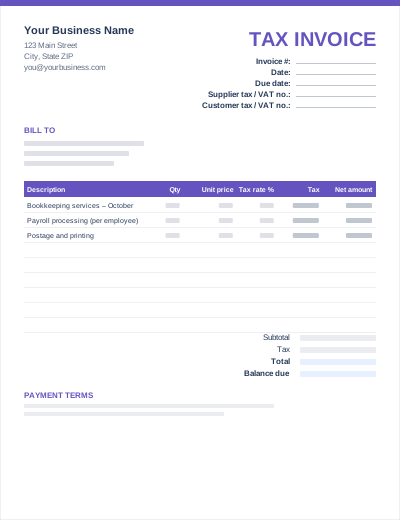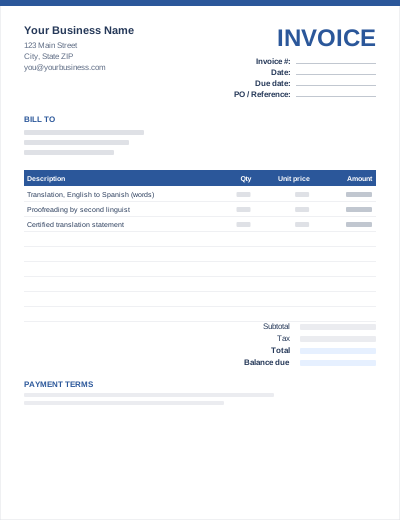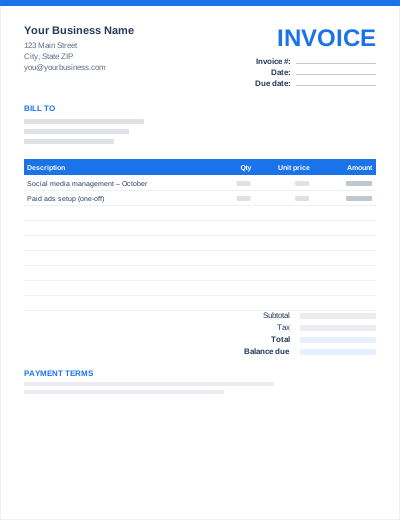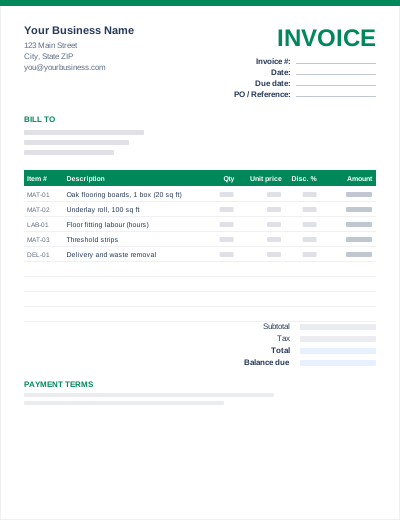
Itemized Invoice
WordExcelPDF
This Excel invoice does the maths for you. Every line amount is calculated as quantity × unit price, less any per-line discount. Below the table, the subtotal, an overall discount, sales tax at the rate you type in, shipping, the grand total and the balance due are all formulas.
Input cells are shaded yellow; formula cells are not, so it is clear what to type and what to leave alone. The workbook opens in Microsoft Excel, Google Sheets, LibreOffice Calc and Apple Numbers.
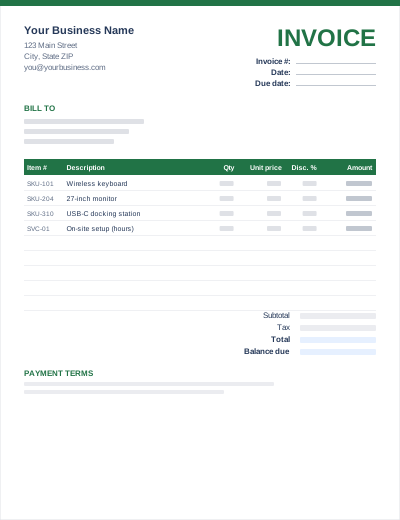
Sample entries show how to fill it in; replace them with your own. All three files share the same layout. The Excel version calculates line amounts and totals; the PDF is a blank, print-ready form.
Prefer not to download anything? Fill in the same fields in the free online invoice generator and save the result as a PDF.
Line amount: =ROUND(Qty*Price*(1-Disc%/100),2). Subtotal: =SUM() of the amount column. Tax: =ROUND((Subtotal-Discount)*TaxRate,2). Grand total: =Subtotal-Discount+Tax+Shipping. Balance due: =Total-Paid.
Insert new rows inside the table, above the last item row, then copy the amount formula down. The SUM range expands automatically.
Right-click the sheet tab > Move or Copy > Create a copy for each new invoice, and rename the tab with the invoice number.
Yes: line amounts, subtotal, discount, tax, shipping, grand total and balance due are all calculated. Only the yellow cells need input.
Type your rate in the yellow "Tax rate" cell (for example 8.25%). Set it to 0% if you do not charge tax.
Yes. In Google Drive choose New > File upload, then open the .xlsx with Google Sheets. The formulas convert automatically.
In Excel: File > Export > Create PDF/XPS (Windows) or File > Save As > PDF (Mac). In Google Sheets: File > Download > PDF.