Basic Invoice
WordExcelPDF
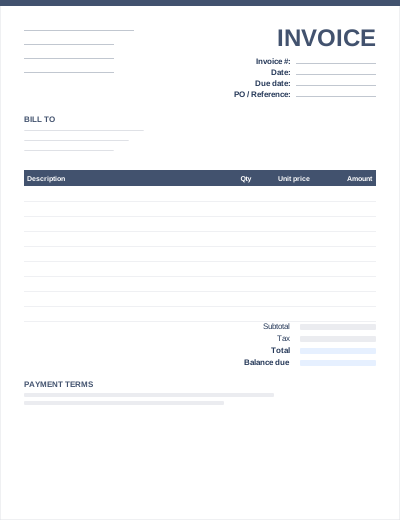
A simple invoice strips the layout back to what a client needs to pay you: who you are, who is paying, what for, how much and by when. There is no shipping block, no discount column and no extra reference fields.
Use it when you bill one or two items at a time and want an invoice that can be filled in and sent in a couple of minutes.
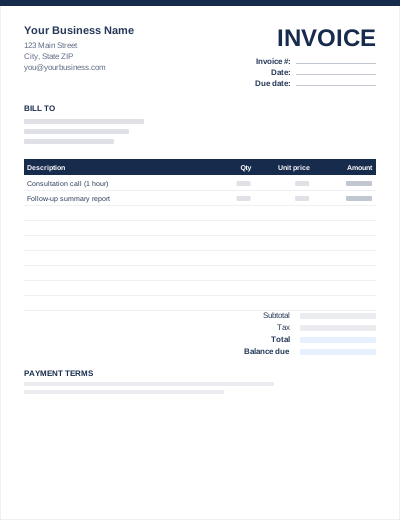
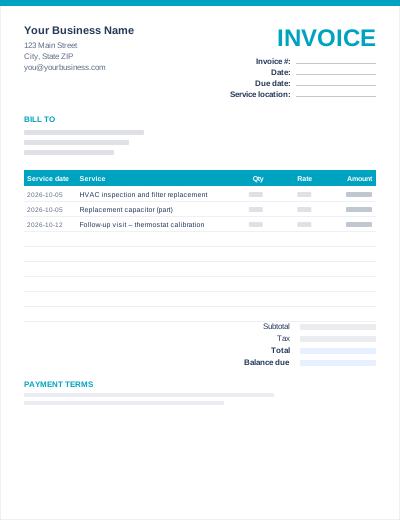
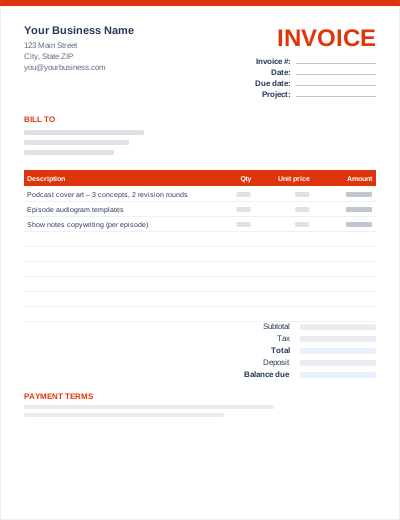
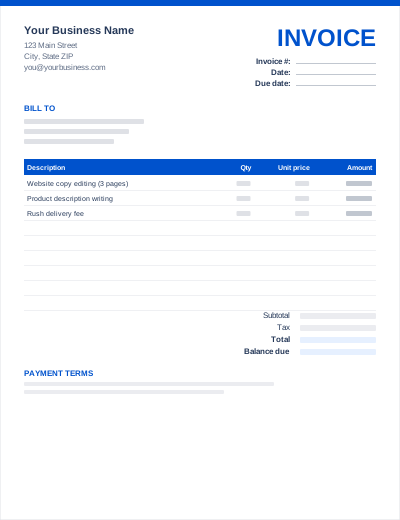
Sample entries show how to fill it in; replace them with your own. All three files share the same layout. The Excel version calculates line amounts and totals; the PDF is a blank, print-ready form.
Prefer not to download anything? Fill in the same fields in the free online invoice generator and save the result as a PDF.
"Due 15 November 2026" is clearer than a term the client has to calculate. Our payment terms guide explains Net 15, Net 30 and Due on receipt.
One line with your bank details, a payment link or your PayPal address removes the most common reason for slow payment.
Switch to the itemized invoice when you start billing many items per job.
Your name or business name and contact details, the client's name, a unique invoice number, the invoice date, a description of the goods or services, the amount due, and the payment terms. Tax-registered businesses must also show their tax number and the tax charged.
Not as it stands. An invoice asks for payment; a receipt confirms it was received. Once you are paid you can mark a copy "PAID" with the date and payment method, or issue a separate receipt. See invoice vs receipt vs estimate.
Yes. Line amounts are quantity × unit price, and the subtotal, tax and total update automatically.