Basic Invoice
WordExcelPDF
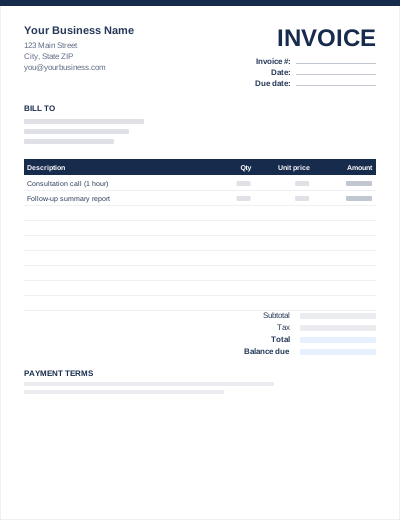
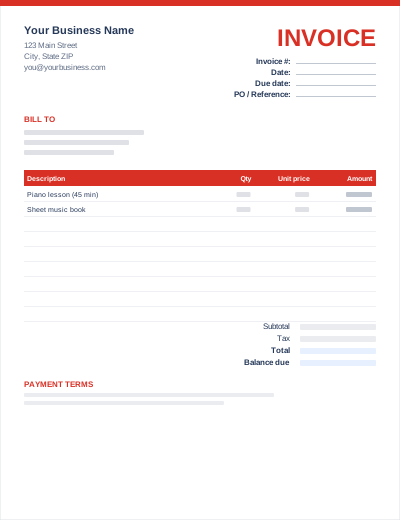
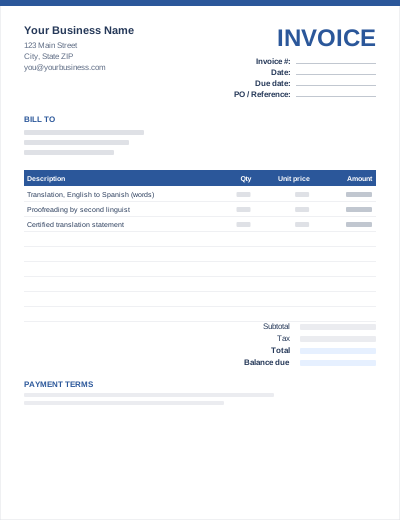
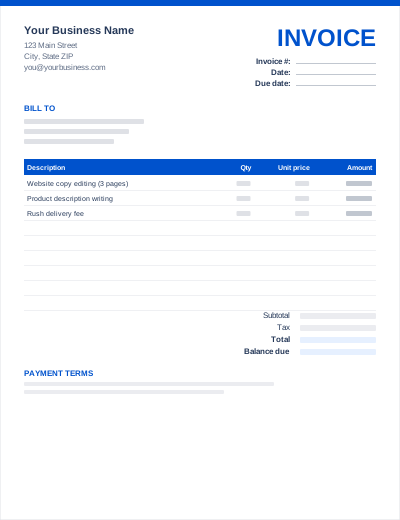
This blank invoice has every field labelled but nothing filled in: no sample company, no example line items. Print the PDF and complete it by hand, or open the Word or Excel file and type straight into the empty cells.
Printed blank invoices are still handy for on-site work where you are paid before you leave, such as repairs, deliveries, markets and call-outs.
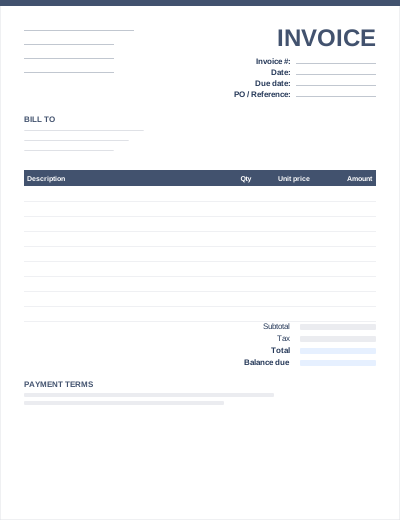
Completely blank: no sample text to delete. All three files share the same layout. The Excel version calculates line amounts and totals; the PDF is a blank, print-ready form.
Prefer not to download anything? Fill in the same fields in the free online invoice generator and save the result as a PDF.
Write a sequential number on each printed sheet in advance, so you never issue two invoices with the same number.
Photograph or scan each hand-written invoice before handing it over. You will need it for your records and for any follow-up.
The Excel version is blank but still has formulas: enter quantities and prices and the totals fill in.
No. The PDF is a print-ready form designed to be completed with a pen. To type your invoice, use the Word or Excel file, or the free online invoice generator, then save it as a PDF.
US Letter (8.5 × 11 in). It also prints on A4 with "Fit to page" selected in your print dialog.
Yes. You can use, edit and print the templates for your own business invoicing without attribution. You may not resell or redistribute the template files themselves.