Word Invoice
WordExcelPDF
Google Docs and Google Sheets can open Word and Excel files directly, so this template is supplied as a .docx (for Docs) and an .xlsx (for Sheets, with formulas). Upload either to your Google Drive, open it, and it converts to an editable Google file.
Use the Sheets version if you want totals calculated for you; use the Docs version if you prefer writing your invoice like a document.
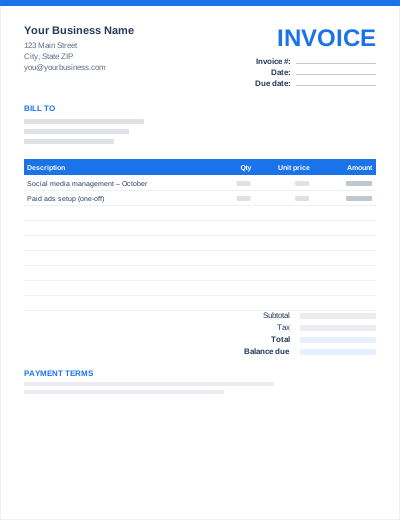
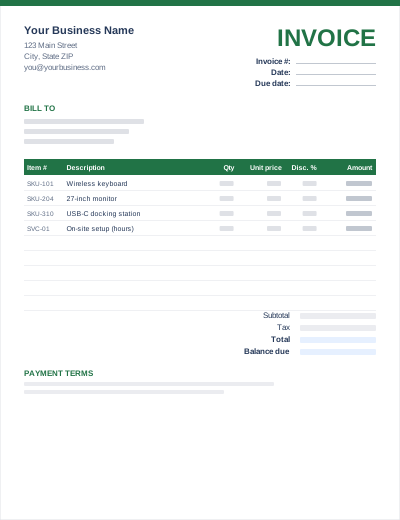
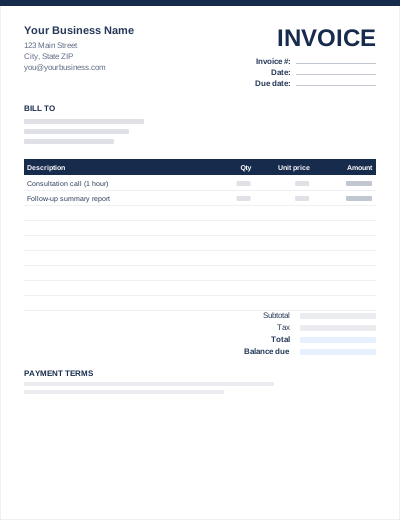
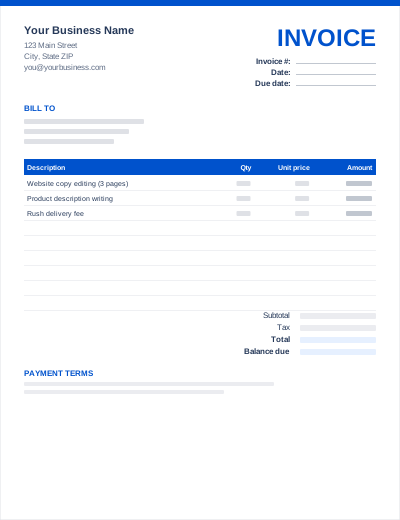
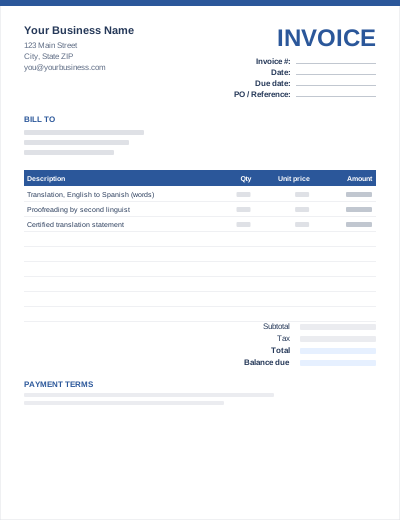
Sample entries show how to fill it in; replace them with your own. All three files share the same layout. The Excel version calculates line amounts and totals; the PDF is a blank, print-ready form.
Prefer not to download anything? Fill in the same fields in the free online invoice generator and save the result as a PDF.
1) Download the .docx. 2) In Google Drive, click New > File upload. 3) Right-click the file > Open with > Google Docs. 4) File > Save as Google Docs to keep an editable copy.
File > Make a copy for every new invoice, named with the invoice number.
File > Download > PDF document. Attach the PDF rather than sharing an edit link with your client.
Google Sheets' template gallery includes an invoice. This template gives you an alternative with matching Docs and Sheets versions and industry-specific columns.
Yes. The layout uses simple tables and standard fonts, which convert cleanly. Check the logo position after adding it.
Yes. You need a free Google account to use Google Docs or Sheets; the template itself needs no signup.