Basic Invoice
WordExcelPDF
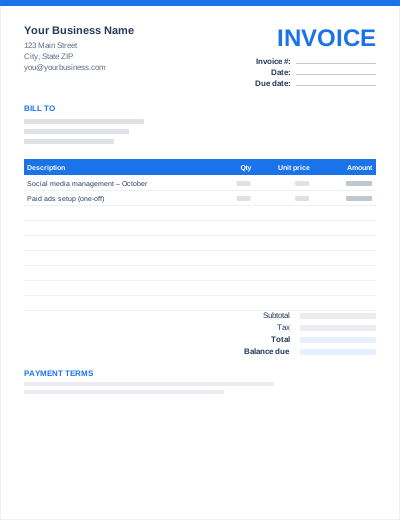
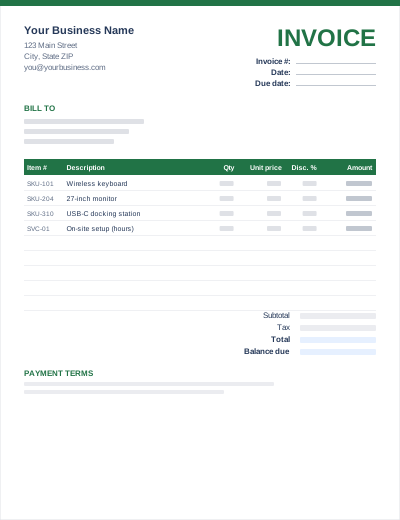
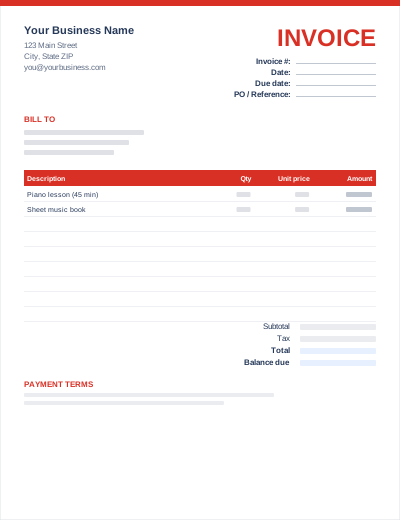
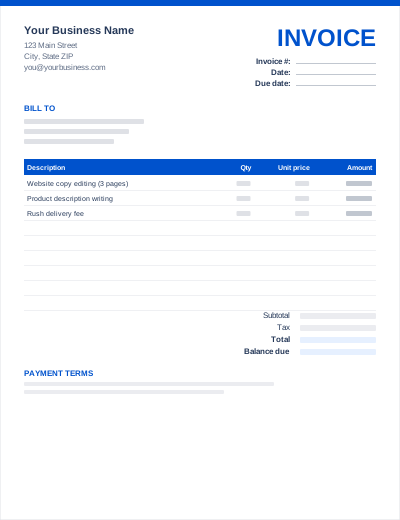
If you are most comfortable in Microsoft Word, this .docx template lets you write invoices like any other document. The layout is built from ordinary Word tables, so you can change fonts and colours, add your logo, and add or delete rows without breaking anything.
Word does not total the table for you. Work out each line amount (quantity × unit price) and the totals yourself, or use the Excel version or the online invoice generator if you want automatic calculations.
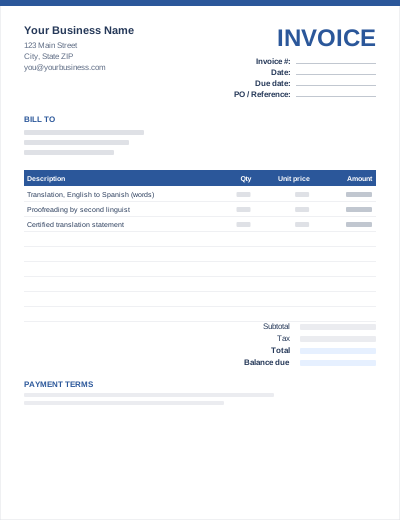
Sample entries show how to fill it in; replace them with your own. All three files share the same layout. The Excel version calculates line amounts and totals; the PDF is a blank, print-ready form.
Prefer not to download anything? Fill in the same fields in the free online invoice generator and save the result as a PDF.
After adding your logo and details, use File > Save As > Word Template (.dotx). Each new invoice then starts from a clean copy.
Click in the last line-item row and press Tab at the end of the row, or right-click > Insert > Insert Rows Below.
File > Save As > PDF (or File > Export > Create PDF/XPS). Send the PDF, keep the .docx.
Yes, Word's File > New gallery includes some invoice templates when you are online. This one is an alternative that works offline and in older versions of Word.
Word tables support simple formulas (Layout > Formula, e.g. =SUM(ABOVE)), but they do not update automatically. For live calculations use Excel.
Any version that opens .docx files: Word 2010 and later, Word for Mac, Word for the web, plus Google Docs, Apple Pages and LibreOffice Writer.