Blank Invoice
WordExcelPDF
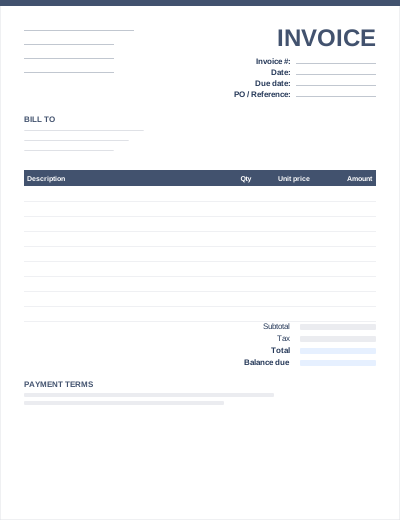
The PDF version is a clean, printable invoice form with labelled boxes for your details, the client's details, invoice number, dates, line items and totals. Print a stack and fill them in by hand on site.
To send a typed PDF invoice by email instead, fill in the Word or Excel file (or use the invoice generator) and save it as PDF. Most clients prefer receiving a PDF because it looks identical on every device and cannot be edited by accident.
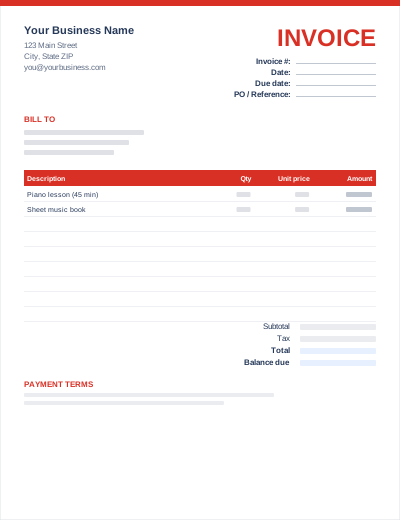
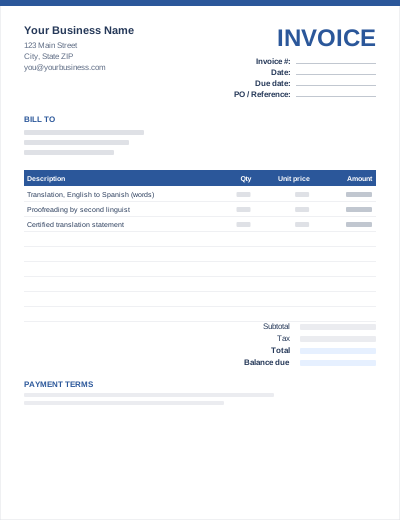
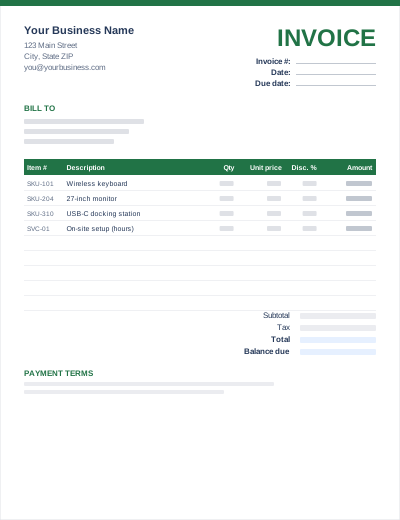
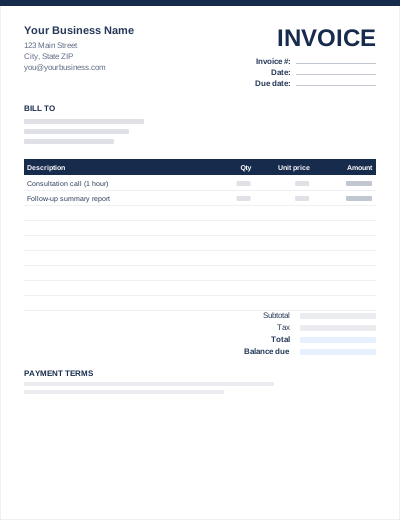
Sample entries show how to fill it in; replace them with your own. All three files share the same layout. The Excel version calculates line amounts and totals; the PDF is a blank, print-ready form.
Prefer not to download anything? Fill in the same fields in the free online invoice generator and save the result as a PDF.
The form is US Letter. On A4 paper choose "Fit to page" or "Scale to fit" in the print dialog.
Word: File > Save As > PDF. Excel: File > Export > Create PDF/XPS. Google Docs/Sheets: File > Download > PDF.
Use the invoice number and your business name, e.g. INV-1042-YourBusiness.pdf, so the client's accounts team can find it.
The PDF is not a fillable form. You can add text with the annotation tools in Adobe Acrobat Reader or macOS Preview, but the Word, Excel and online-generator options are easier for typed invoices.
A PDF keeps its layout on every device, prints reliably and is harder to alter than a Word or Excel file. See how to send an invoice.
Yes, for invoicing your own business. You may not resell the template.